Learning Tactus
A coherent introduction: the why, the mental model, and the core patterns.
The fastest way to learn Tactus is to clone the examples repo and run procedures that already have embedded specifications.
The best way to write, run, and debug agents. Includes a visual interface for human-in-the-loop interactions and a live view of agent execution.
Download IDEInstall the CLI, clone Tactus-examples, then run specs in mock mode (no API keys) before running against real models.
Editing in VS Code? Install the Tactus extension for syntax highlighting and code intelligence.
This is the canonical Hello World example from the Tactus-examples repository. It includes an embedded behavior specification so you can test it deterministically in mock mode.
Source: 01-getting-started/01-hello-world.tac · How to download and run examples
pip install tactusgit clone https://github.com/AnthusAI/Tactus-examples.gittactus test 01-getting-started/01-hello-world.tac --mockexport OPENAI_API_KEY=your-key, then tactus run 01-getting-started/01-hello-world.tac--no-sandbox to the tactus run command to opt out explicitly.Start with the curated examples repo. Each example is designed to be runnable and includes embedded behavior specifications, so you can verify your environment before you spend tokens.
Use cases are concrete project ideas. If you want a strong first build, start with an embedded copilot and add one or two Human-in-the-Loop checkpoints.
The Tactus IDE includes the standard Human-in-the-Loop components. Use the IDE as a safe playground to experience approvals and structured inputs, then embed the same components in any application.
Component reference: Standard Component Library
The CLI runs procedures inside a Docker sandbox by default and will error if Docker is not available. This prevents accidental non-isolated runs.
If your architecture does not require container isolation for every invocation, opt out explicitly with --no-sandbox or set sandbox.enabled: false in your config.
When you install from PyPI, the sandbox image builds by installing the matching Tactus version inside the container. When a source checkout is available, the image bakes in the local source instead.
A practical way to automate real work is to start in a supervised interface (Claude Code, Cursor, etc.), then gradually harden what you built into governed procedures. Supervision is a feature while you're exploring—but it becomes a bottleneck if a human must watch every step.
Start with a Skill and iterate fast while you're watching: the agent has freedom, and you can correct course in real time.
Then harden the workflow into a governed procedure: make data flow predictable, add guardrails, and pause for human input only when needed so the system can run while you're away.
This workflow pairs well with open standards: Agent Skills for packaging repeatable agent behavior, and MCP for connecting tools like Stripe, ticketing systems, and internal APIs.
This started as a supervised Skill that processes an Excel file and issues Stripe refunds in sequence. Once it proved useful, it was hardened into a governed procedure: inputs validated up front, tool data fetched deterministically, human checkpoints added for high-risk rows, and an audit trail produced for confidence and compliance.
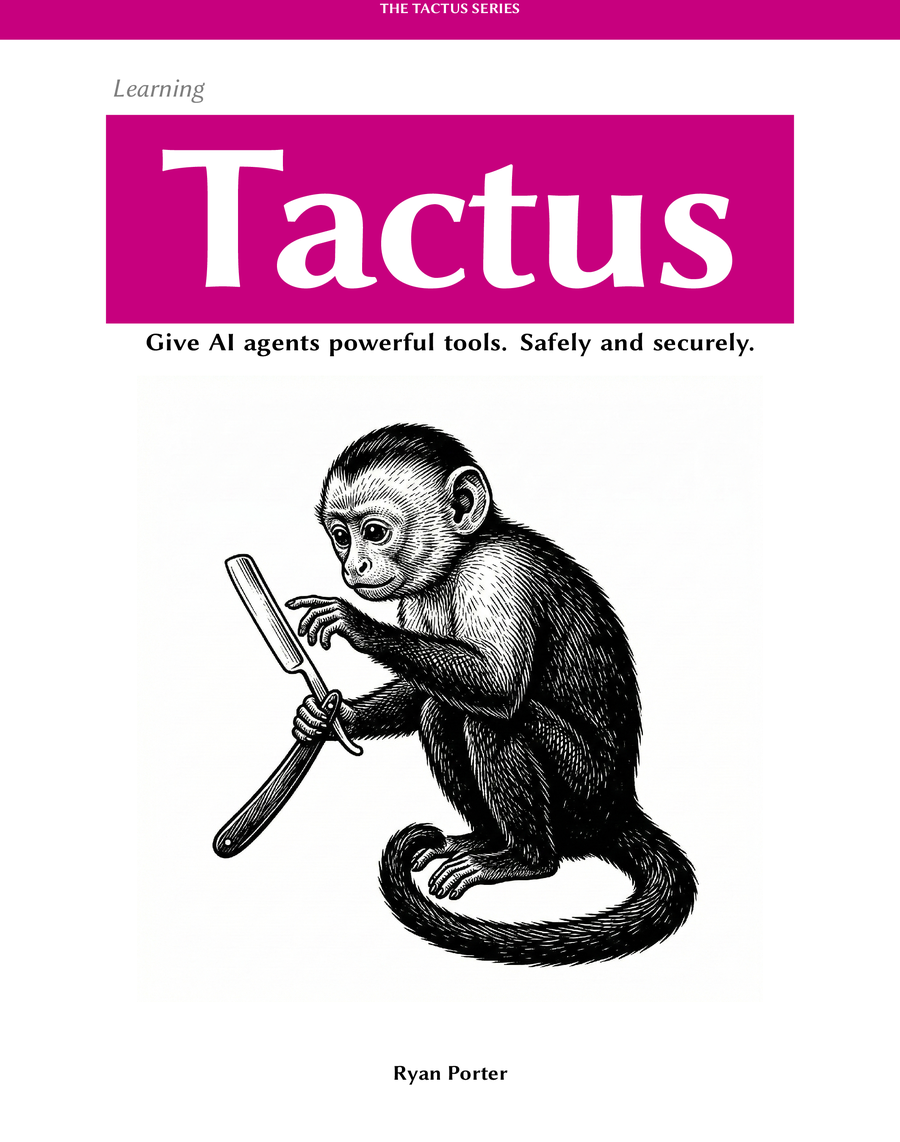
The goal is not to give a monkey a razor blade and hope for the best. The goal is controlled delegation: let the agent do the repetitive work, and keep humans in charge of the outcomes with full transparency through logging and tracing.
If you want to go deeper, the books and videos cover the ideas, patterns, and design philosophy behind Tactus.
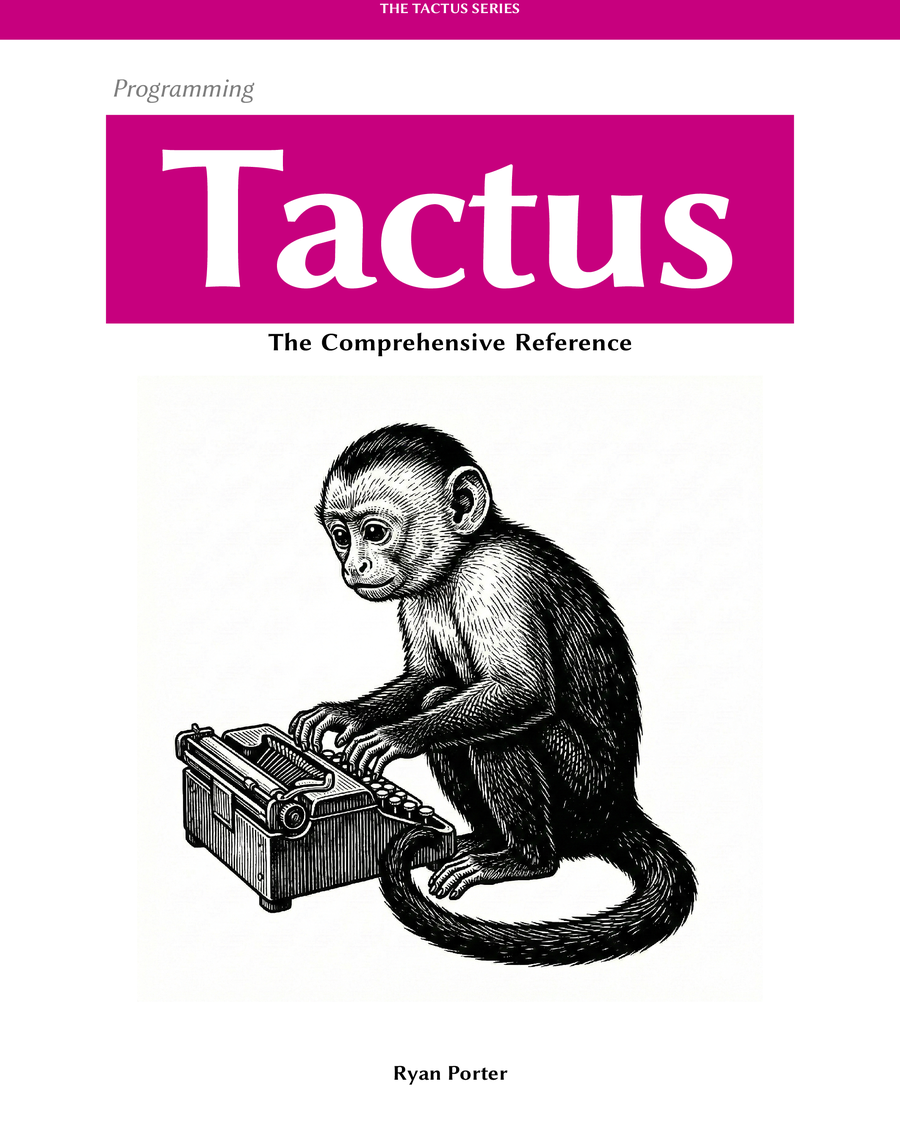
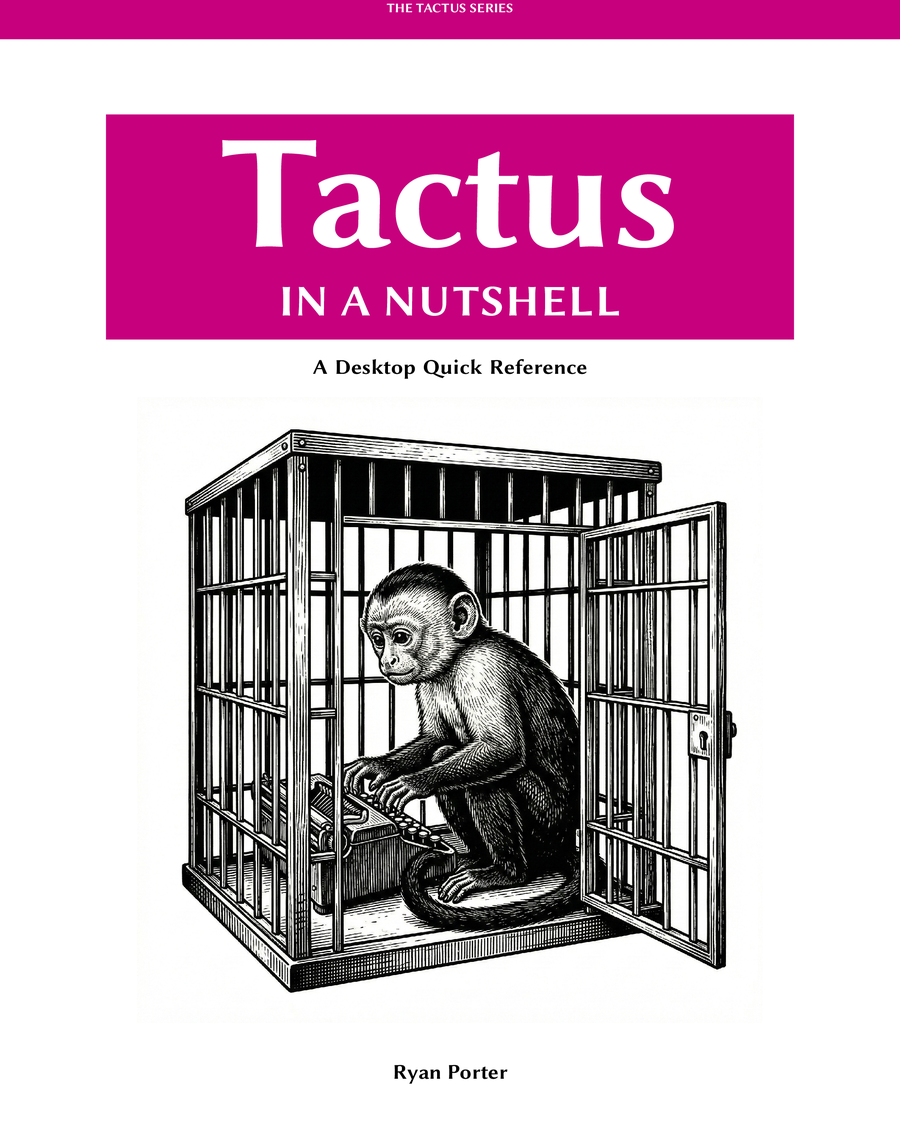
Three complementary books: learn the patterns, dive into the reference, or keep the cheat sheet on your desk.
Short walkthroughs and longer deep dives. Start with these two — then browse the rest.
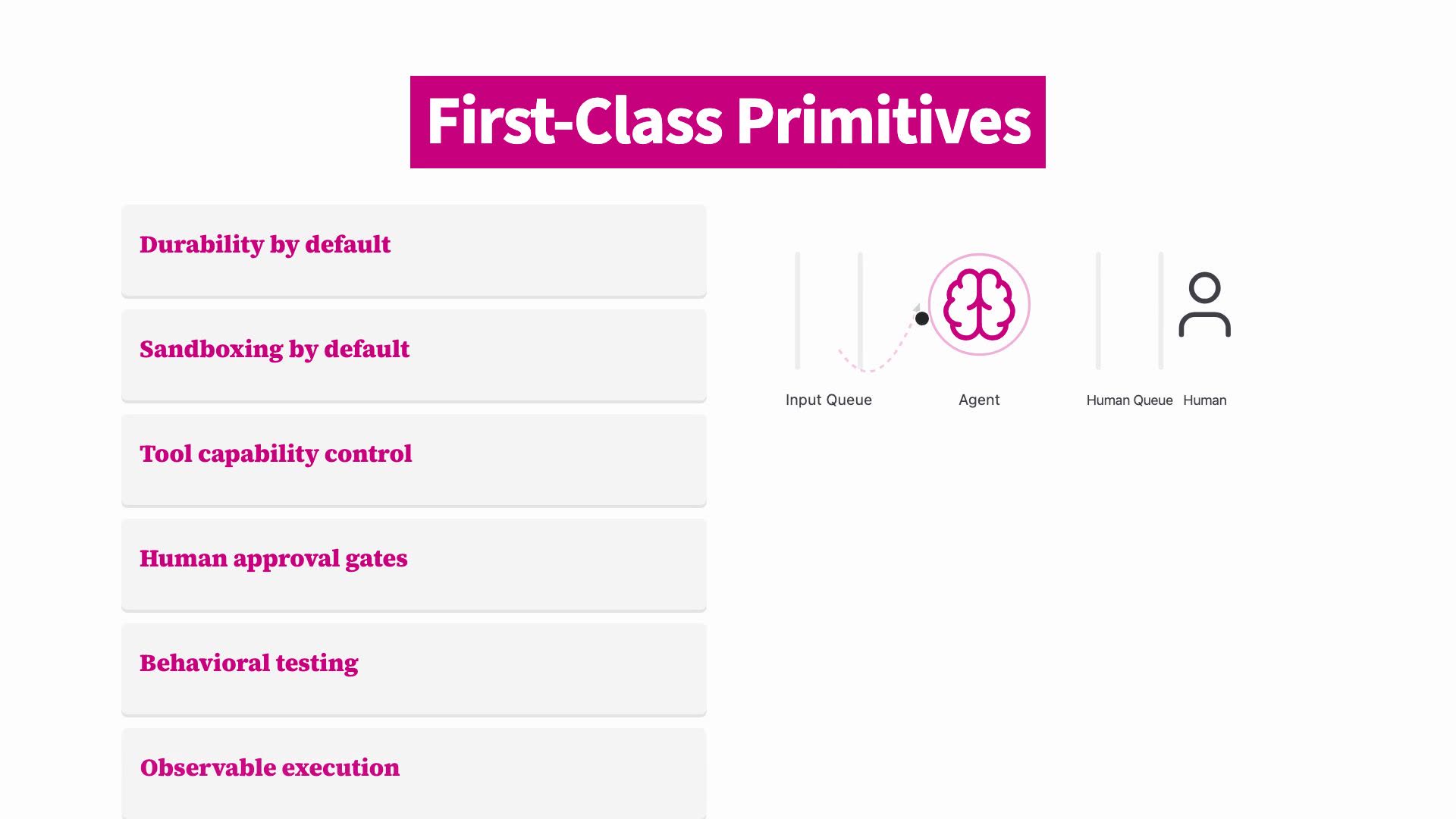
The evolution of programming paradigms and why Tactus was created for the age of AI agents.
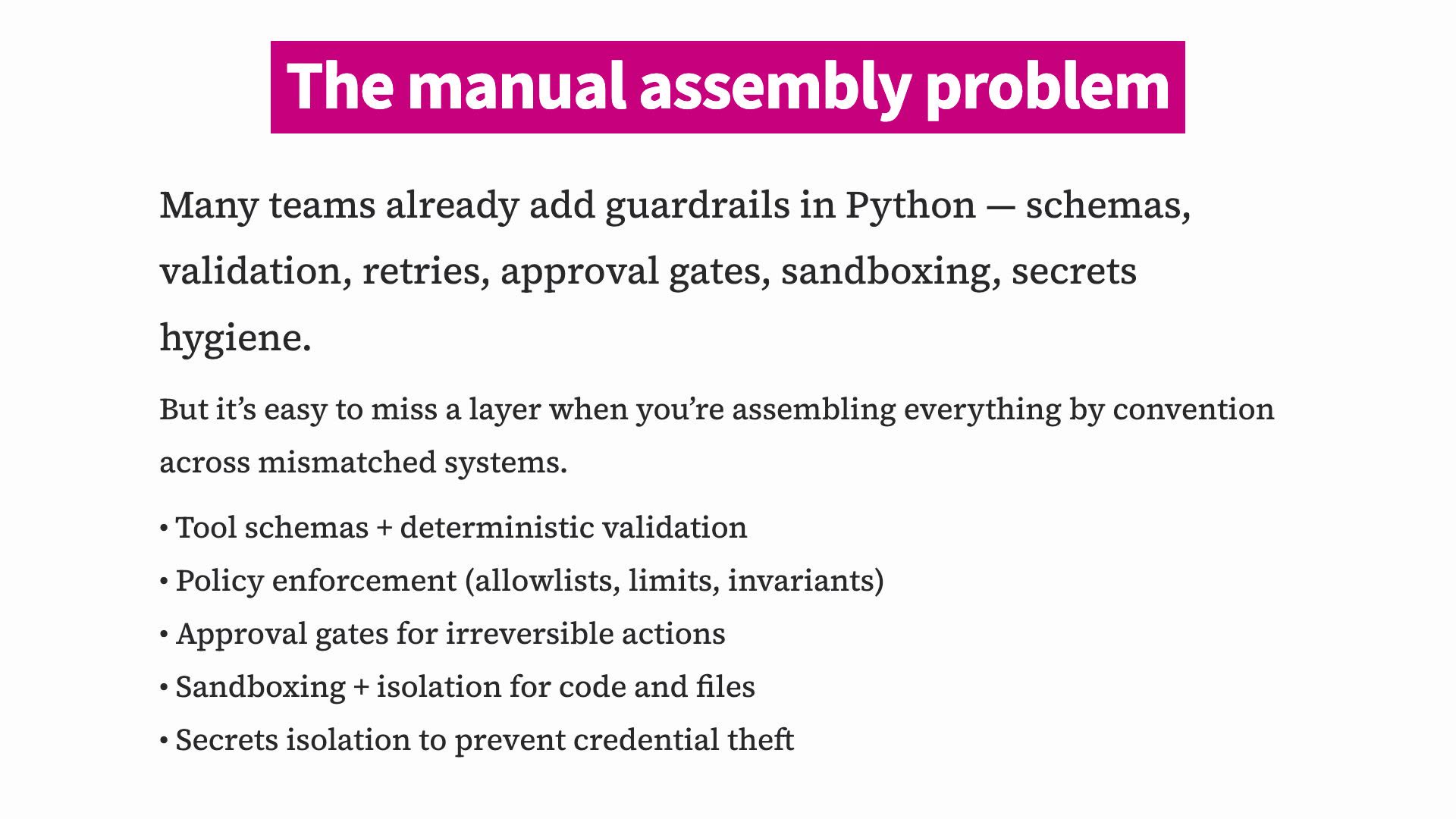
Why constraints enable autonomy: staged tools, human gates, and a secretless broker boundary (so there’s nothing in the runtime to steal).