Learning Tactus
A coherent introduction: the why, the mental model, and the core patterns.
A language + runtime for tool-using agents
Give AI agents powerful tools. Safely and securely.
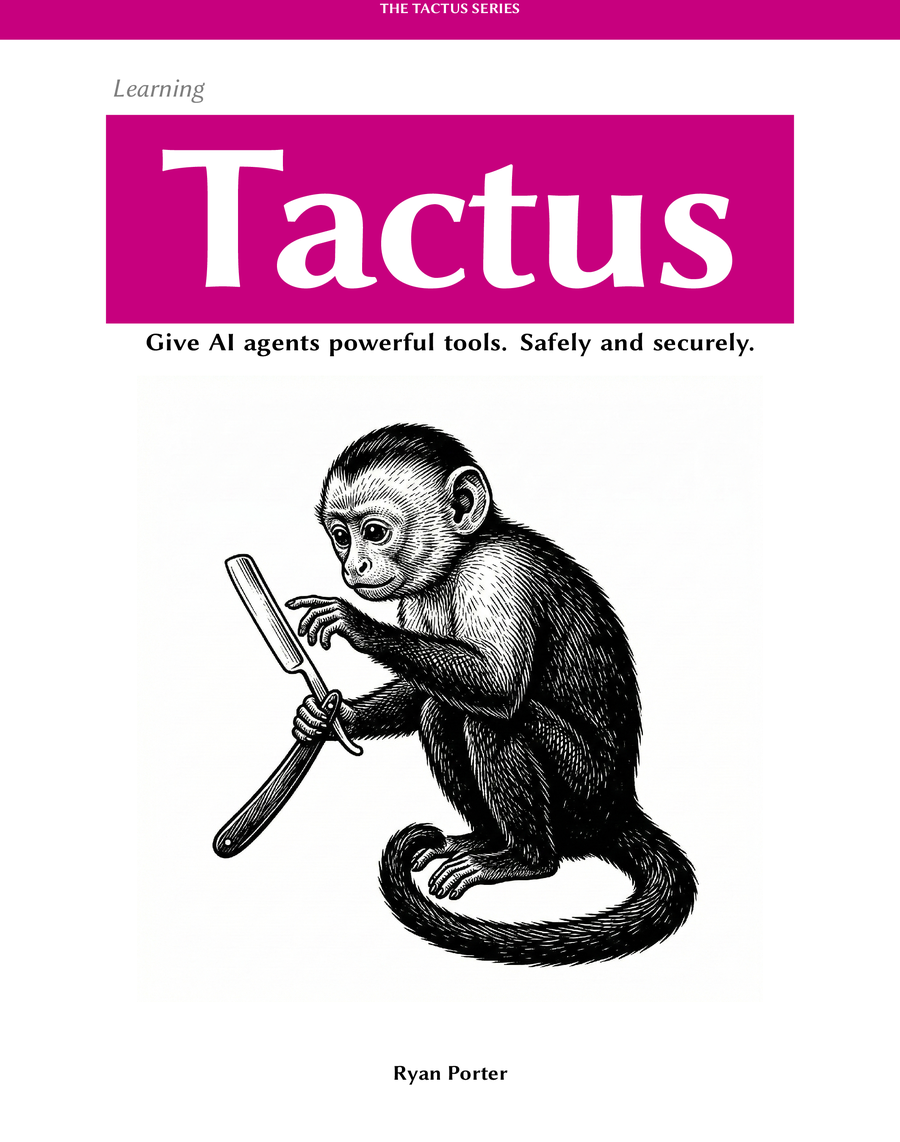
Tool-using agents are useful—and dangerous: run them unattended and you’re giving a monkey a razor blade and hoping for the best.
Tactus gives you a high-level language for building tool-using agents, with capability and context control, durable workflows, and default-on sandboxing and container isolation so they can run unattended without touching your host—or your API keys.
Define an agent, then call it like a function.
The paradigm shift
Since the dawn of computing, programming has meant anticipating every scenario and writing code for it. But tool-using agents flip the script.
Traditional programs are brittle. Parse this format. Catch that error. Map these fields to those fields. Miss one case and the program breaks.
Every new edge case requires more conditional logic
Instead of handling every edge case yourself, you give an agent tools and a procedure, and let it work inside guardrails.
Agent + Tools + Procedure, bounded by Guardrails
Instead of anticipating every edge case, you define capabilities and let an agent do the mapping.
Traditional code is brittle because every new input format means more conditional logic. Miss one case and the program breaks.
You define the capability and give the agent the messy input. The agent applies judgment to map fields and handle variation—without rewriting your logic.
Human in the loop
In Cursor or Claude, tool-using agents feel safe because you're there to supervise: you see every tool call, you steer, and you can stop the run the moment it goes sideways.
But how do we step back and give agents more agency to do things on their own—with powerful tools that have full control and can act on the systems and data we care about?
The practical answer is asynchronous human-in-the-loop: let the agent run, and only interrupt a human when it hits a decision point (approval, missing input, high-risk side effect).
The common user interface paradigm for AI agents is through a chat interface. But human engagement becomes a bottleneck: when the human steps away to eat or sleep, the interface stops doing anything. If you need to process a volume of items, everything is bottlenecked on your presence.
You can remove the human entirely and let the agent run free. This scales beautifully: you can process thousands of items at machine speed without waiting for anyone. But running an agent this way is like giving a monkey a razor blade — if you don't trust it perfectly, you're asking for trouble.
A durable queue changes the paradigm: the agent operates independently, then pauses and asks for human input only when needed. Requests queue up while the human is away, and the workflow resumes instantly when the response arrives. You get speed and throughput close to unattended execution—without requiring a human to supervise every step.
When a workflow needs a human, it can pause and resume without losing its place.
In Tactus, Human.approve() is a first-class primitive. Reaching it suspends the run and creates a durable “waiting for human” checkpoint.
This is what makes agents viable in real applications. Instead of “human supervision” being the default mode, humans become an asynchronous checkpoint: the runtime can queue requests, suspend safely with zero CPU cost, and resume the moment input arrives. Because it’s omni-channel, those approvals and inputs can come from wherever your team already works—email, Slack, or a custom UI.
Read: Human in the LoopArchitectures
These are three common patterns in real products: a copilot UI, embedded runtime workflows, and deeply integrated features with tool use and asynchronous human checkpoints.
Bolt a chat interface onto an existing product. Great for “help me do X” workflows, with tool use and human checkpoints when actions are high risk.
User interacts with the embedded Chat UI in your application.
Add agent-powered product features behind UI buttons and forms. The procedure can call tools to change real state, and pause asynchronously for human review when required.
A user clicks a button in your product (e.g., “Import”).
Run procedures inside your application to keep behavior testable and outputs structured. Ideal for classification, routing, extraction, and other repeatable workflows.
Your application hands raw text (e.g., an email) to the embedded runtime.
A high-level agent programming model, with default-on sandboxing and container isolation, capability and context control, human-in-the-loop gates, and durable checkpoints so long-running workflows can pause, resume, and be audited safely.
When you’re not there to supervise, the runtime has to be the guardrail: container isolation, networkless execution, and tools that can use secrets without putting them in the agent runtime.
Procedures run in a Lua sandbox inside a Docker container: keep the monkey in the box, and keep sensitive information out of the box.
Keep the runtime container on network: none, while still calling models and tools through a host transport (e.g. stdio).
API keys never live in the runtime container—and never get passed into model prompts.
Tools that need secrets or privileged access can run outside the sandbox via a broker, streaming back results so the agent gets answers, not credentials.
Minimal toolsets, curated context, network isolation, secretless broker, and temporal gating—agents get only what they need, when they need it.
Checkpoint long workflows, add human checkpoints where needed, and measure reliability with specs + evaluations.
Tools are how agents touch reality. Tactus treats them as first-class primitives—safe, inspectable, and effortless to deploy—so your agents can get real work done without the security headaches.
You can’t drive fast without brakes. Guardrails are the prerequisite for delegating powerful tools. Tactus is a language and runtime that give you control levers at every layer of the stack—from prompt engineering down to container isolation—so you can define the exact safety profile your application needs.
Agents run in a Lua sandbox inside a networkless container, constraining what they can touch and firewalling side effects. Privileged operations are brokered by a separate process that holds the secrets. It’s like letting a burglar into an empty building: even if the agent is compromised, there’s nothing valuable inside to steal—and nowhere to send it.
We have Python. We have TypeScript. We have powerful agent frameworks. But they were built to manipulate deterministic logic, not probabilistic behavior.
The abstraction level is wrong.
Programming languages evolve to match the problems we care about. When computers were banks of vacuum tubes, zeros and ones were the right tool—they matched the physical reality. When we moved to complex logic, we built languages like C to manage the new concerns: loops, branches, and reusability.
Today, the "atoms" of computing have changed again. We are building with stochastic, decision-making models that we guide rather than control. Tactus raises the abstraction level to match this new reality, giving you first-class primitives for the things that matter now: reliability, sandboxing, and human oversight. It's not just a new syntax—it's a language built for the new problem space.
Tactus treats behavior specs as part of the language itself: inline with procedures, executable by the runtime, and visible in every run. They define invariants, prevent regressions, and keep reliability measurable as models and tools evolve.
One successful run is luck. Reliability is a statistic. Evaluations let you measure accuracy, cost, and reliability performance across datasets so you can ship with confidence.
Procedures declare typed inputs and outputs, validated with Pydantic.
That schema isn’t decoration: it’s the contract the runtime uses to validate inputs, structure outputs, and power tooling (like auto-generated forms and safer integrations).
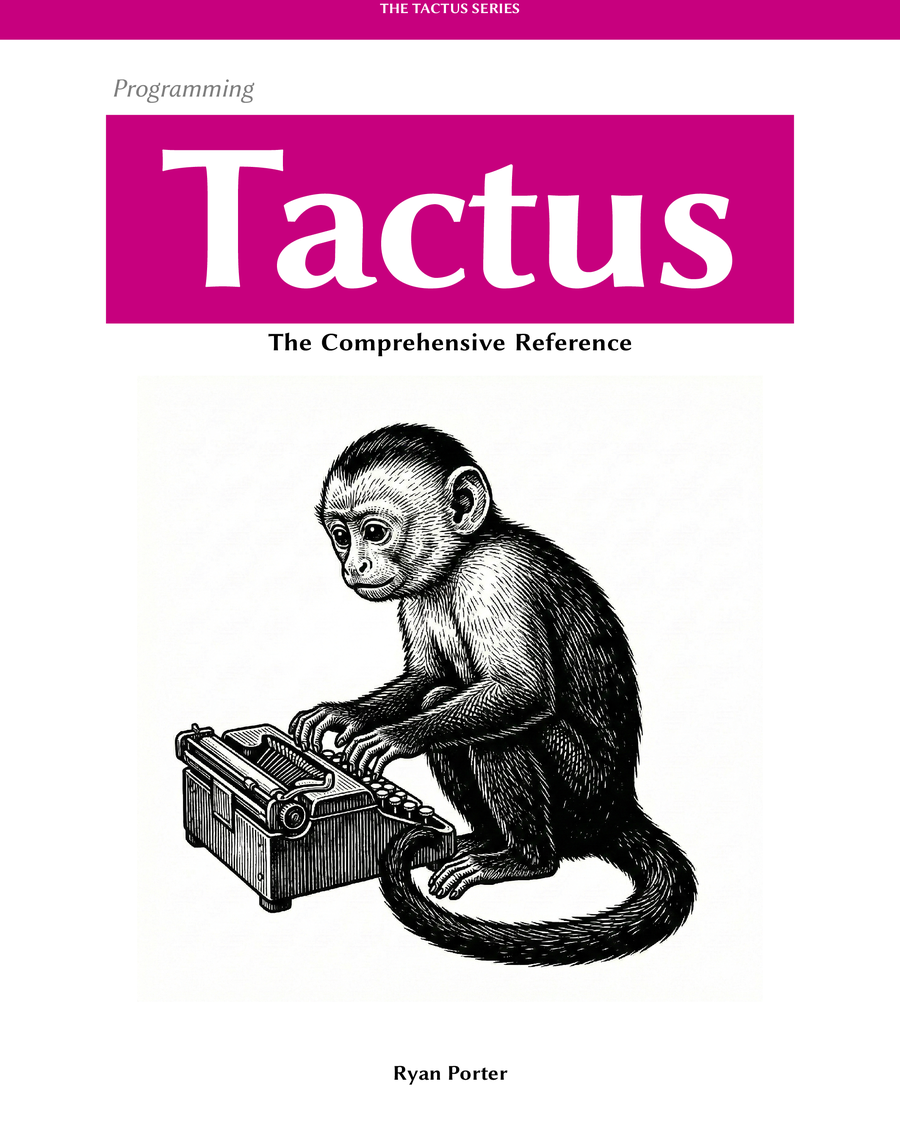
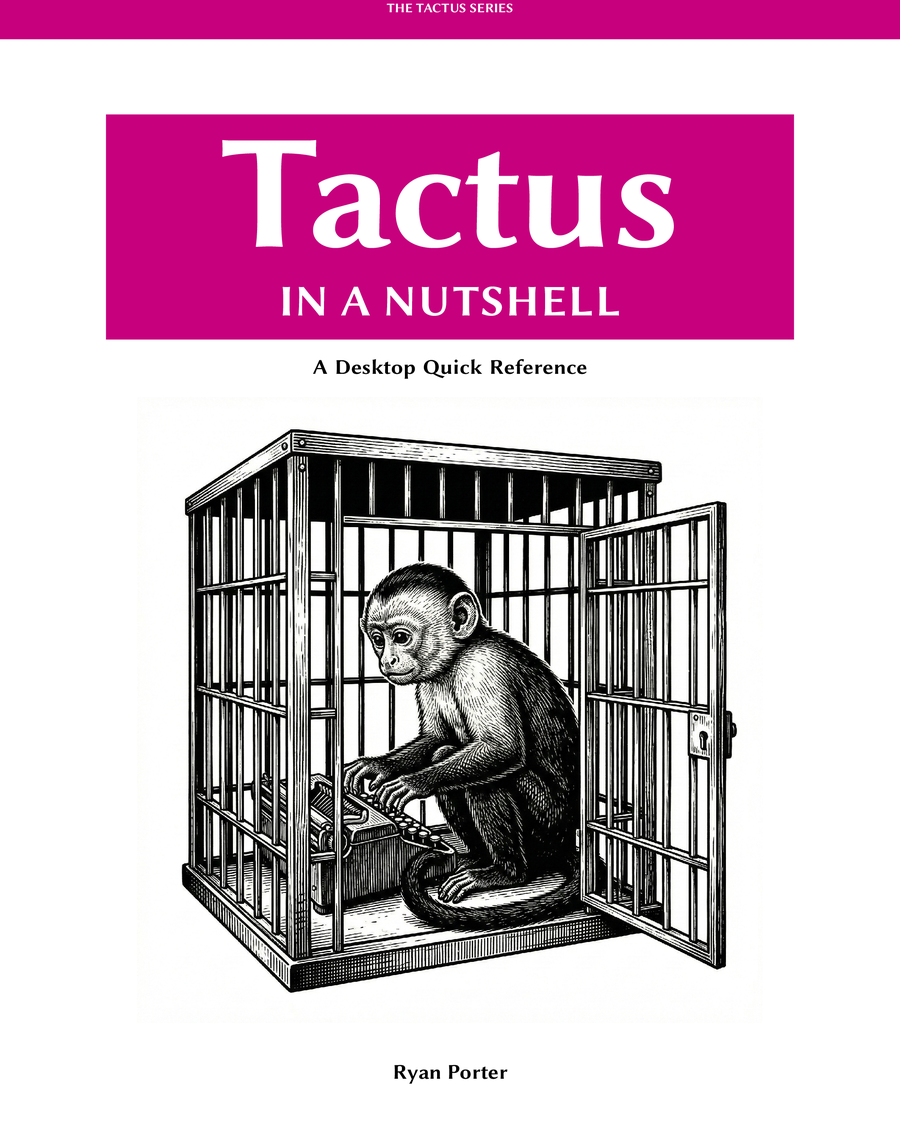
Three complementary books: learn the patterns, dive into the reference, or keep the cheat sheet on your desk.
Follow a short walkthrough and build your first tool-using agent workflow.